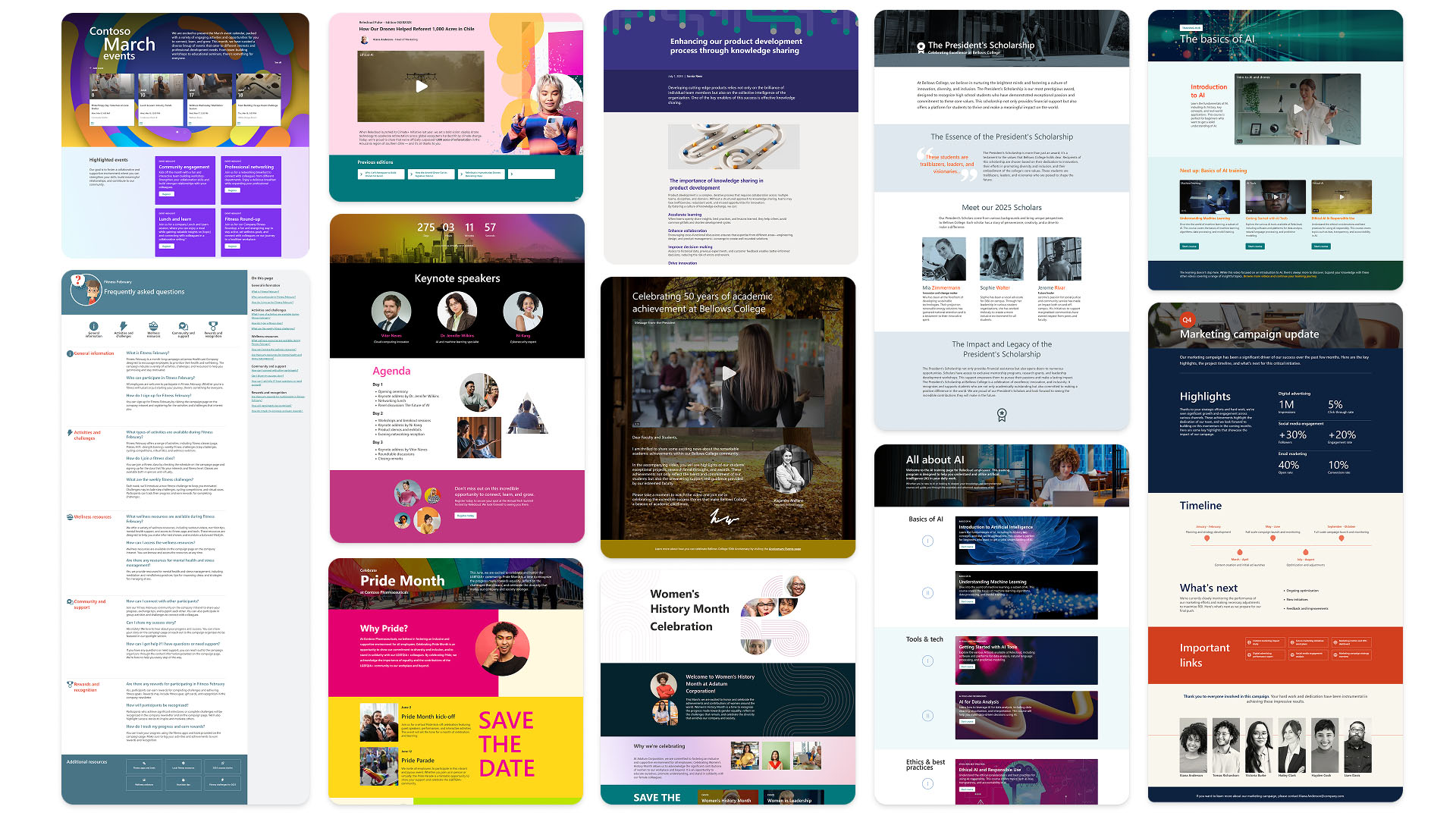
Designing the conditions for global publishing at scale
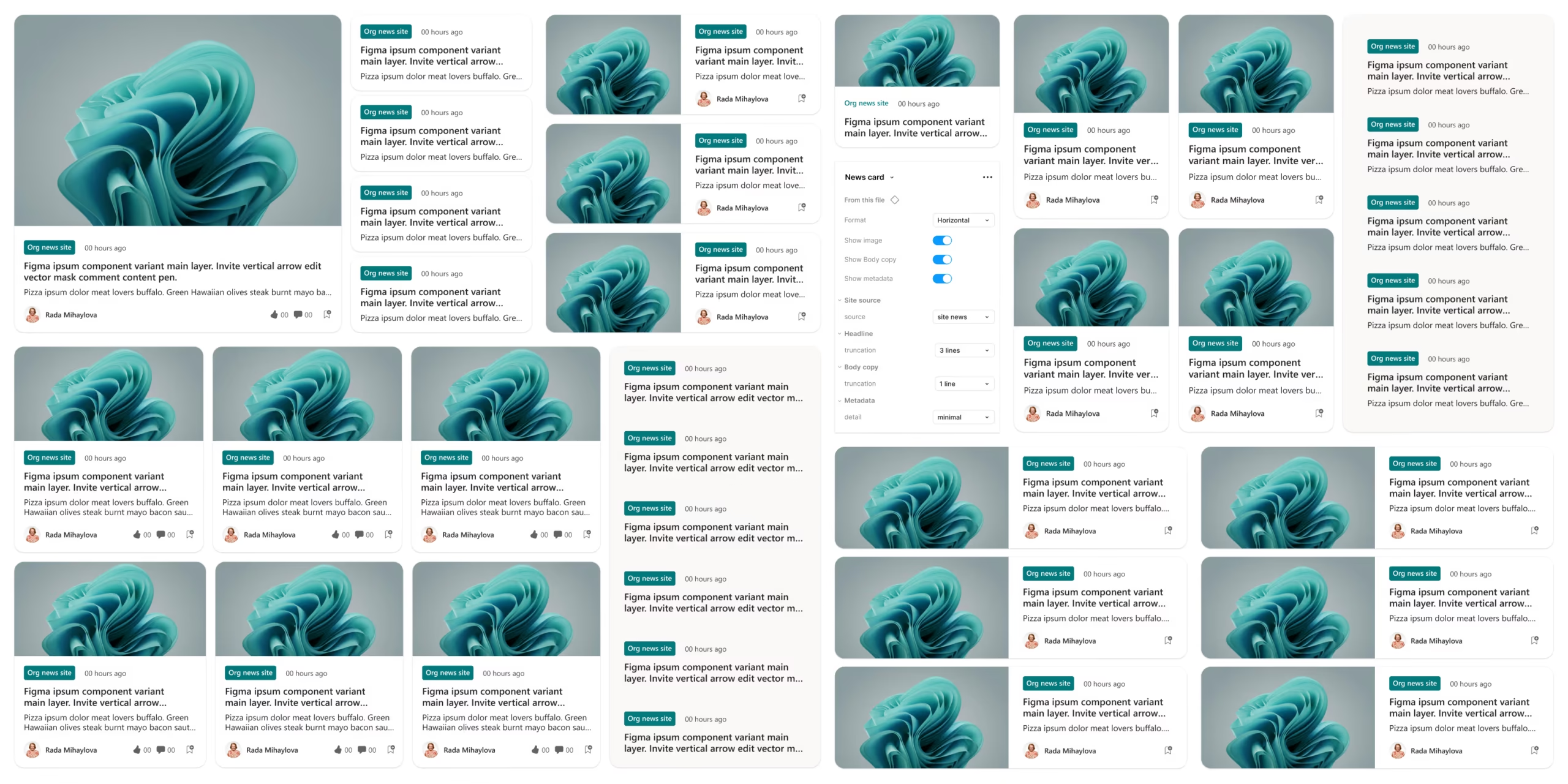
Fragmented processes across six time zones
SharePoint's publishing experience touched teams across India, China, Ireland, Canada, and Seattle, six time zones, dozens of stakeholders, and no shared language for how design decisions got made.
Incomplete requirements arrived late. Design handoffs to engineering were inconsistent. Rework was the norm and timelines slipped as a result. The challenge wasn't the product, it was the conditions under which the product was being built.


Three principles to create the conditions for alignment
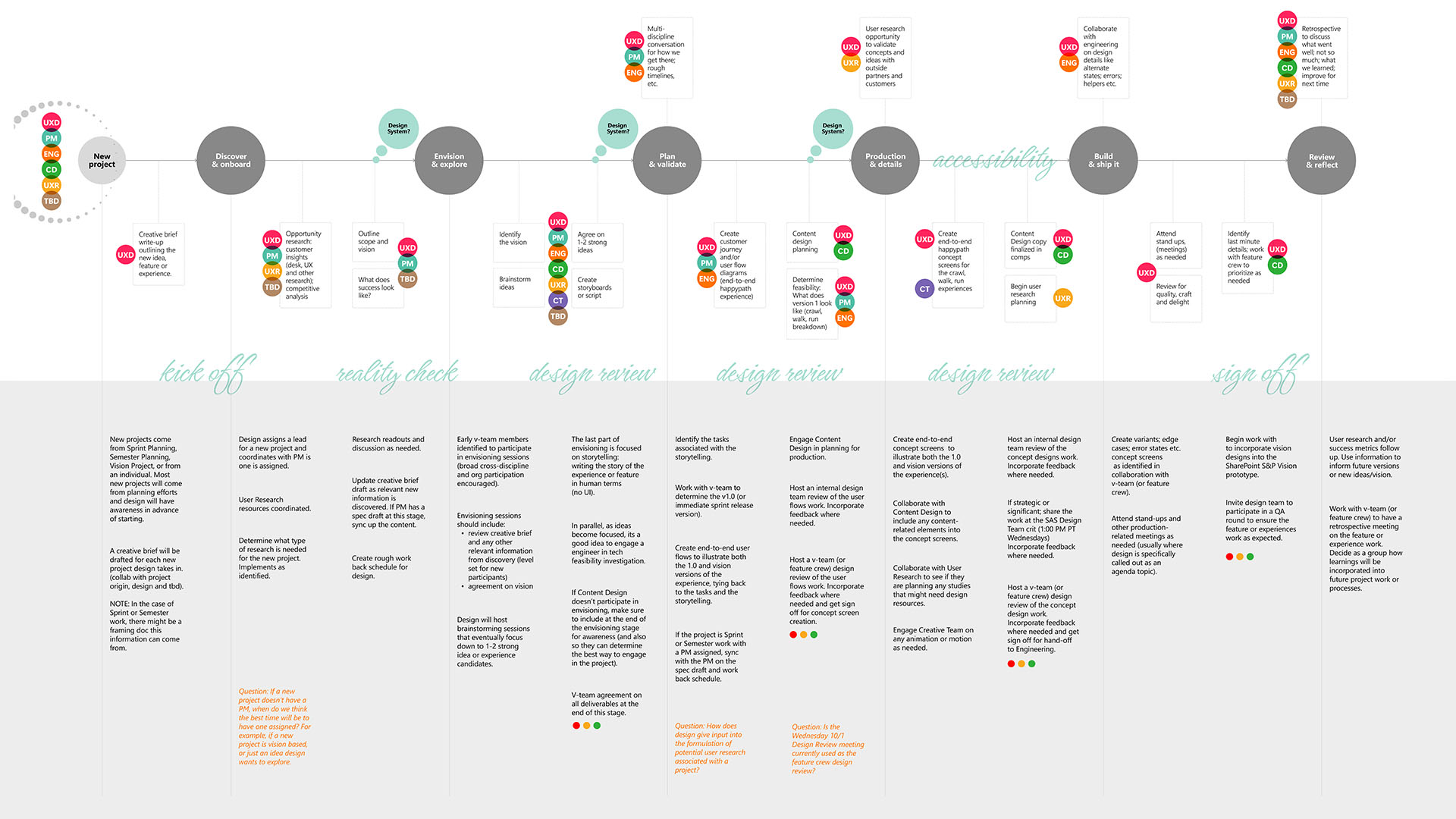
What changed once the process did
Faster feature delivery wasn't a separate win, it was a direct result of that same process shift, alongside notable gains in team morale and psychological safety across all geographies.
Advanced Image Editing
Brought cropping, filters, and markup directly into the SharePoint web part, eliminating the need to re-upload assets after adjustments. Authors can now finalize imagery in context, within the page, without leaving the editing experience.
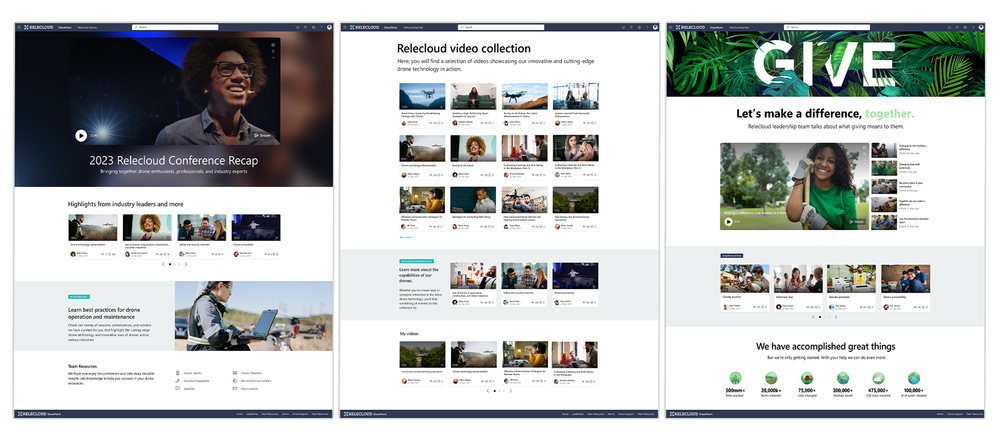
Enhance Stream to SharePoint Video Experience
Video updates needed a better way to land.
- →Teams wanted to spotlight recordings without burying them in long pages or scattered links.
- →Creating a polished, shareable video experience took too much manual layout work.
- →Video Page templates make it easy to publish branded Video Pages from SharePoint or directly from Stream, turning recordings into clear, shareable storytelling pages.
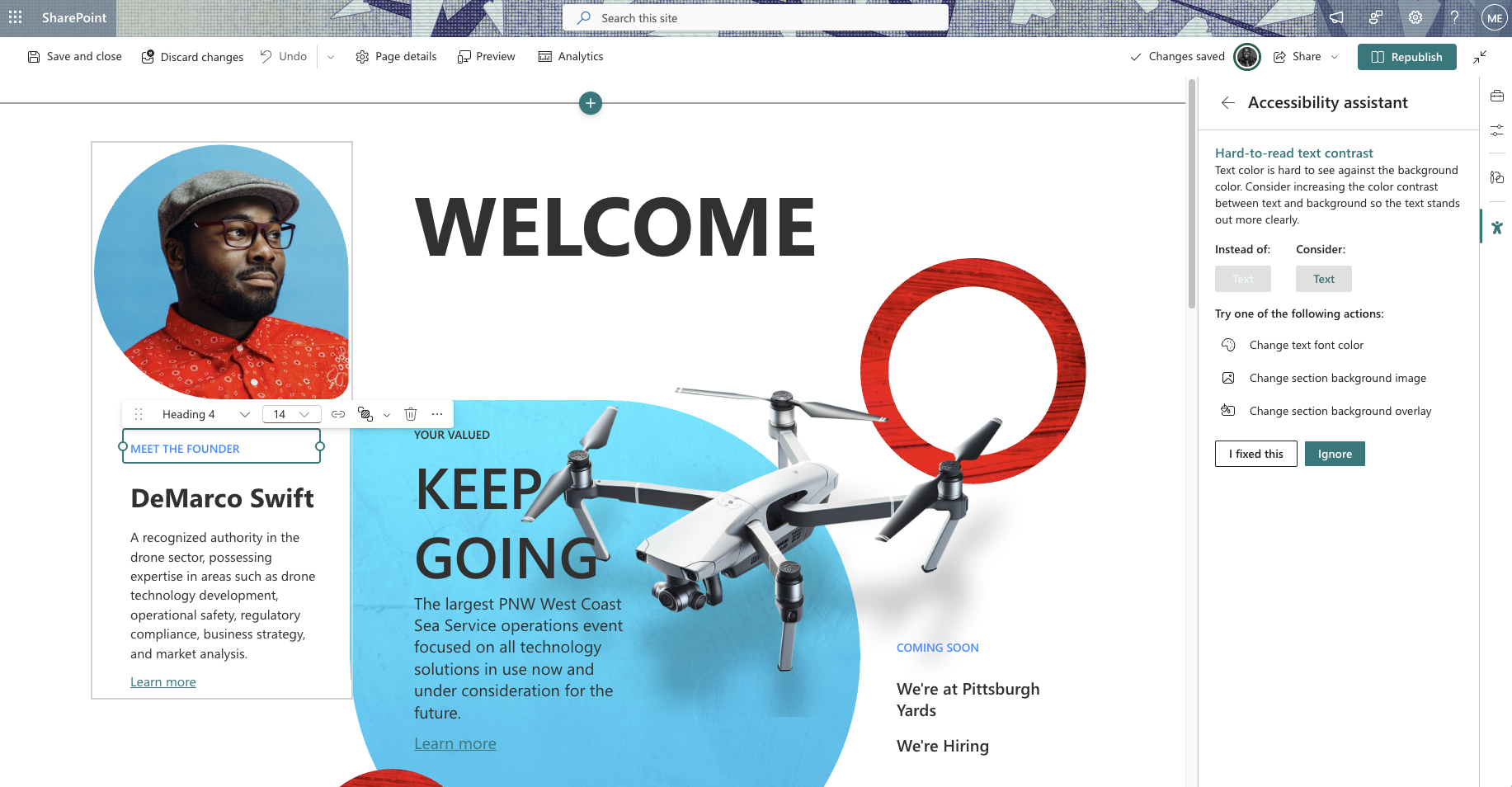
Real-Time Accessibility Checks
Integrated accessibility validation directly into the editing flow. As authors build pages, the checker flags heading structure, missing alt text, link clarity, table accessibility, and contrast issues, before publishing, not after.
Enhanced Templates Experience
Redesigned template discovery to reduce friction between intent and execution. Guided layouts give authors a starting point with structure already in place, driving a 22% year-over-year increase in template engagement and significantly faster page creation across the organization.